Luminar
An Android app that keeps Sengled Bluetooth Mesh bulbs working after Sengled dropped its own app.
Sengled stopped supporting its app and pulled it from the Play Store, which left my Bluetooth bulbs with nothing to set them up or control them. I built Luminar to keep them working, and anyone with the same bulbs can build it from the source.
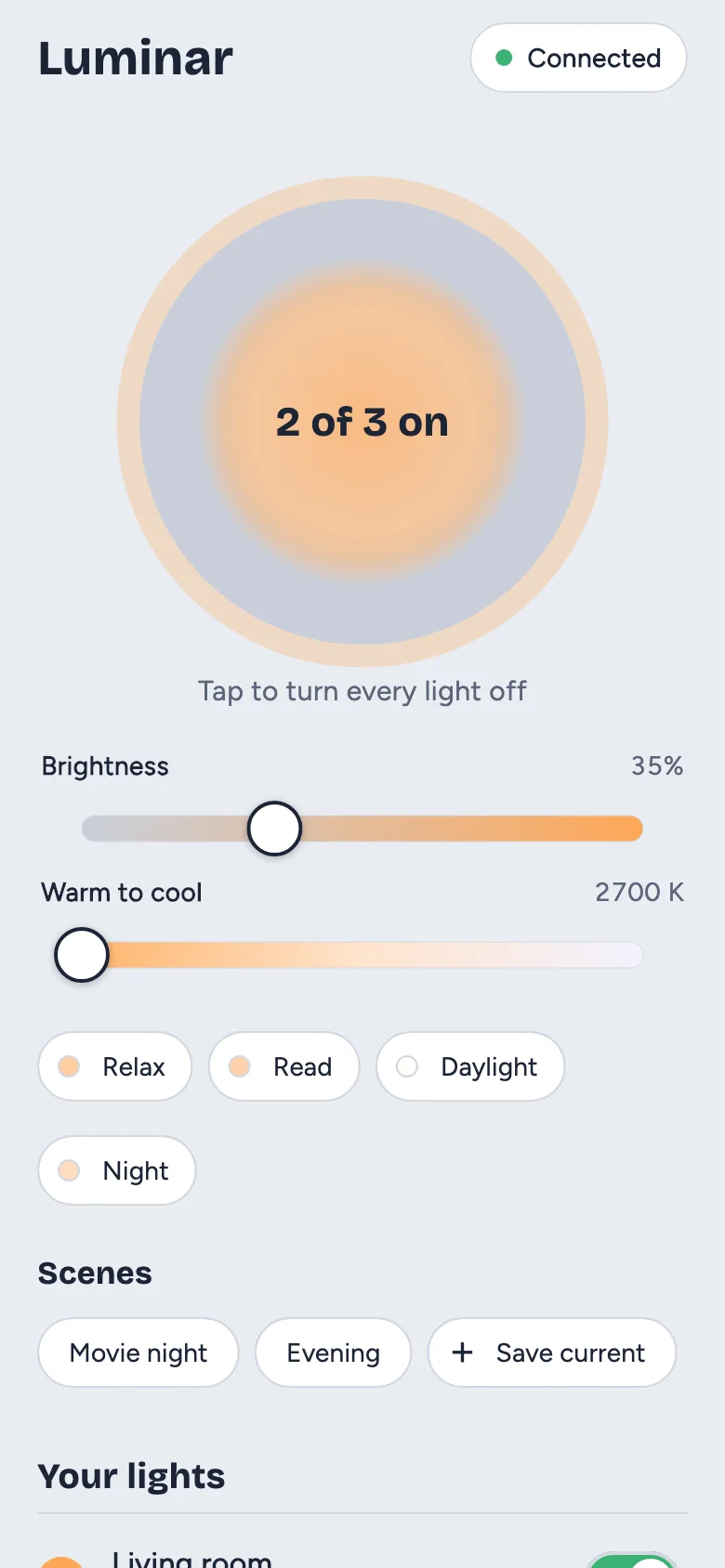
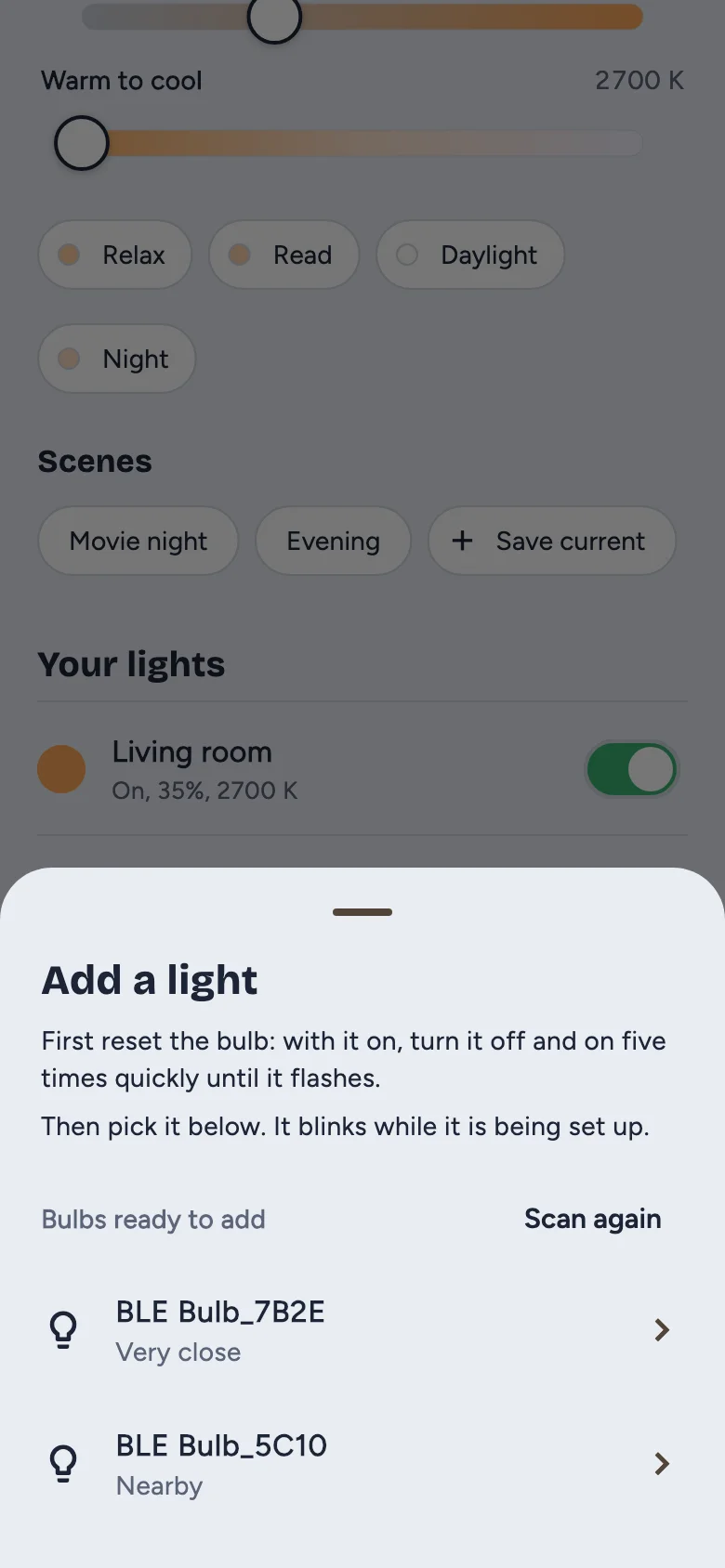
It sets up its own private network for the bulbs, adds a freshly reset bulb in about 10 seconds, and controls on/off, brightness, warmth and scenes.
What it does
- All lights at once: the lamp button, sliders, presets and scenes reach every bulb with a single command, so they change together.
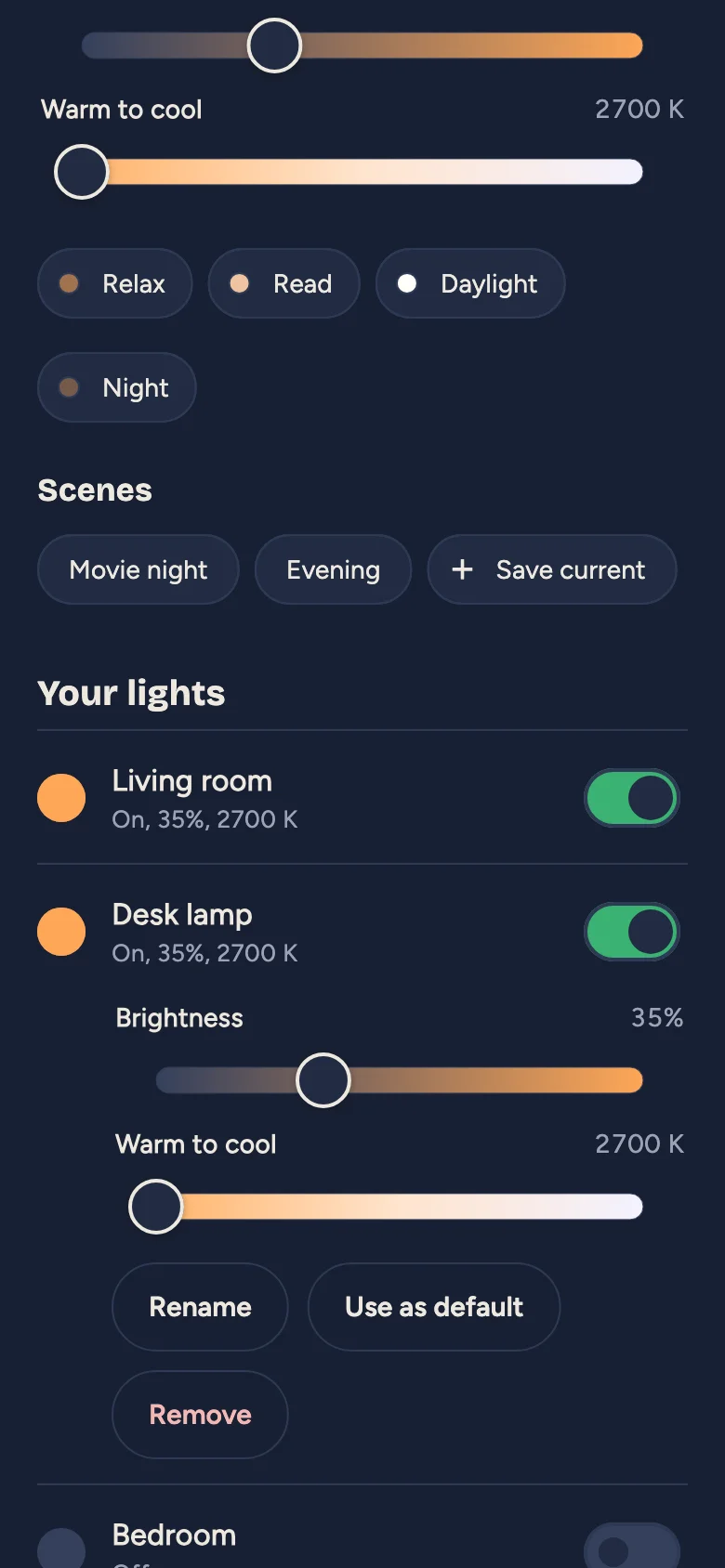
- Each light on its own: on/off, brightness, warmth, rename, remove, and a power-on default.
- Scenes: save the current look of every light and bring it back with one tap.
- Reset bulbs: if a bulb is reset at the wall switch, Luminar marks it Was reset, and one tap sets it up again with its old name and place.
- Widgets and shortcuts: switch lights or pick a preset without opening the app.
- Backups: a backup code restores your lights on another phone.
How it’s built
An AI coding assistant wrote much of the code; I set the design, tested every change against real bulbs, and decided what shipped. The app implements the Bluetooth Mesh protocol in pure Dart, including the encryption, provisioning and the light-control messages, with views, view models and repositories on top.
A widget tap uses the app’s open connection if there is one (about 0.1 s). Otherwise it connects, sends one message and disconnects (about 5–6 s). The Android widget and shortcut code is in Kotlin.
The protocol tests are checked against the spec’s sample data, a Python mesh library and Lamplight’s JavaScript mesh code. The app tests run against simulated bulbs on a simulated mesh.